![Logo_IMS Technology Group_Final_IMS TG_Logo_Dark Bkg.svg]](https://knowledge.imstechnologygroup.com/hubfs/Logo_IMS%20Technology%20Group_Final_IMS%20TG_Logo_Dark%20Bkg.svg)
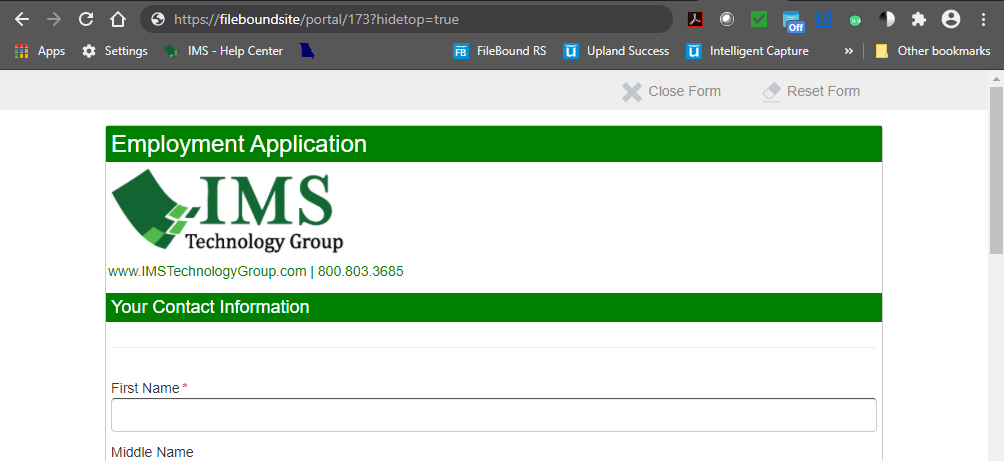
- Add '?hidetop=true' to the end of the URL.
- To hide the FileBound header from https://fileboundsite/portal/173, you would enter https://fileboundsite/portal/173?hidetop=true
- To hide the FileBound header from your FileBound public portal https://fileboundsite/portal/, you would enter https://fileboundsite/portal/?hidetop=true
With FileBound Header 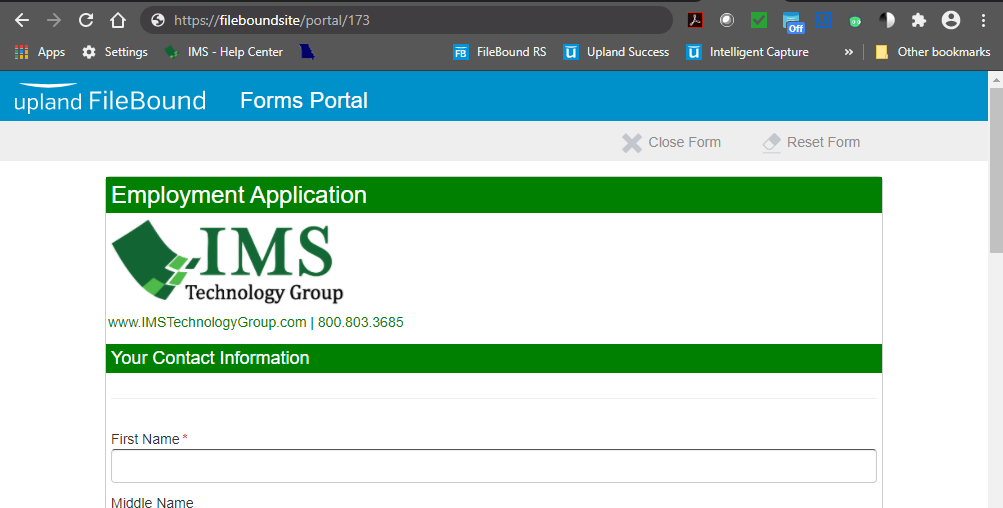
Without FileBound Header