![Logo_IMS Technology Group_Final_IMS TG_Logo_Dark Bkg.svg]](https://knowledge.imstechnologygroup.com/hubfs/Logo_IMS%20Technology%20Group_Final_IMS%20TG_Logo_Dark%20Bkg.svg)
Symptom:
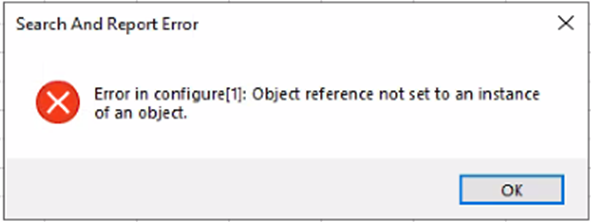
After installing FileBound Connect and configuring the Excel plugin you immediately get the error shown below.
Search And Report Error
Error in configure[1]: Objec reference not set to an instance of an object.
To resolve the Object reference error, close the Excel application and complete the following steps:
- Uninstall FB Connect.
- Navigate to the Roaming folder - C:\Users\*UserProfile*\AppData\Roaming.
- Delete the FileBound folder.
- Install FB Connect using the MSI installer.
Relaunch Excel and the configuration button for this task should now work.